Invert Image Colors Online for Free

Instantly invert image colors online to create a striking negative effect. Fotor's color inverter automatically reverses the color values in your photo, turning light tones dark and bright hues into their complementary colors.

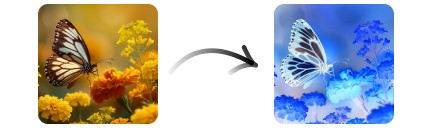
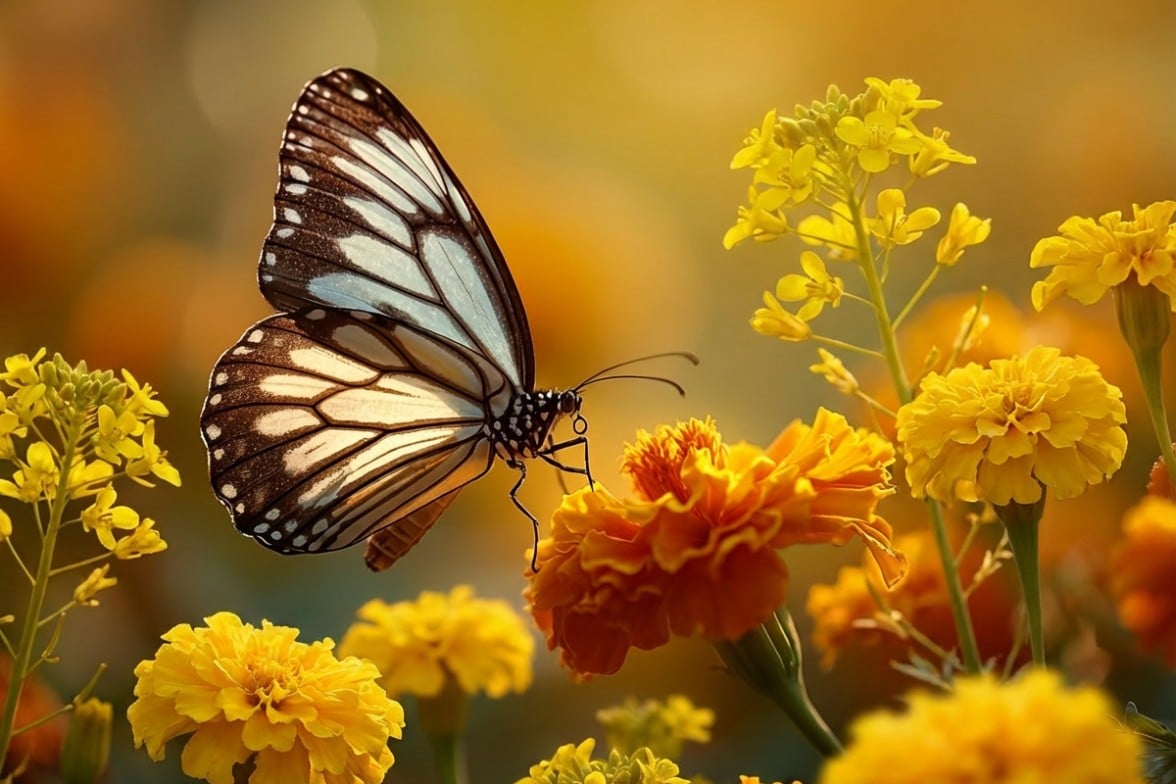
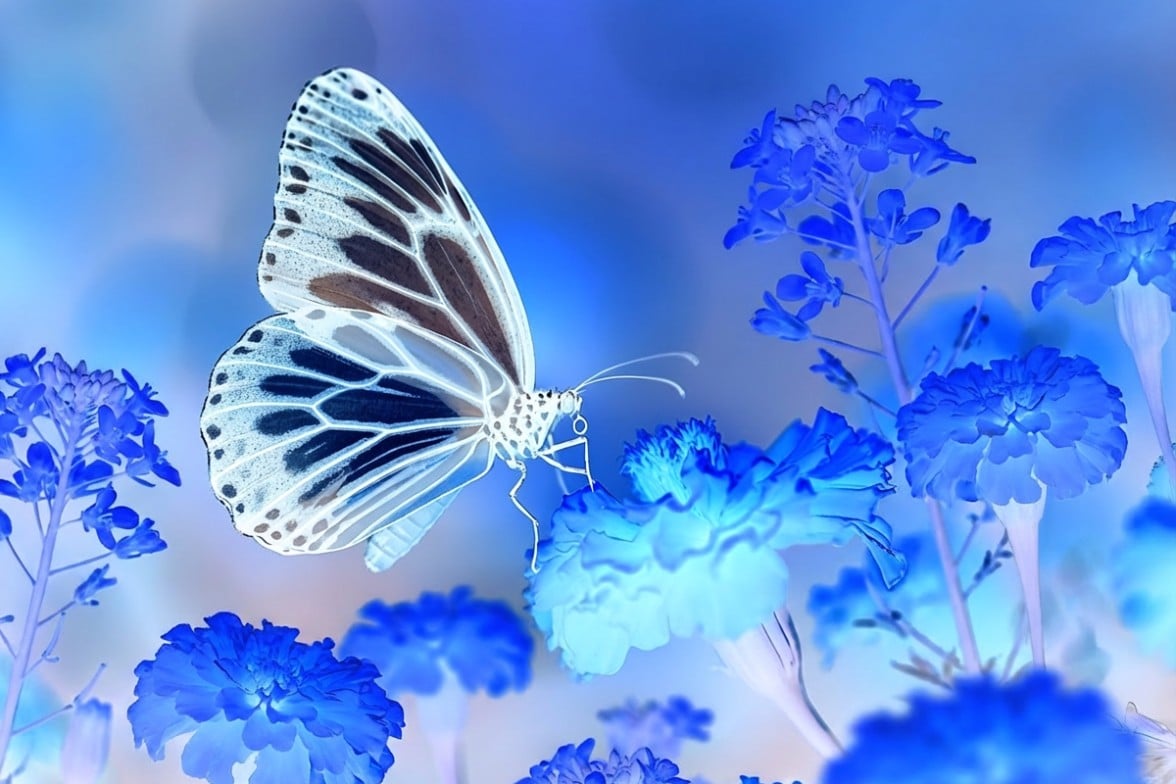
Before and after comparison of butterfly and flowers photo inverted colors
Before
After
Before image showing a butterfly alights upon a flower
After image with a negative effetc featuring a color inverted butterfly

Click or drag an image here to edit

Click or drag an image here to edit

No image? Try one of these:
A color thumbnail image of a white dog
Thumbnail image featuring a handsome man
Cityscape thumbnail image for AI photo expander 2026 03 03 031710 pyph

2 Secs

Color Inversion

4.7 ★

On Apple Store

97%

Satisfaction Rate

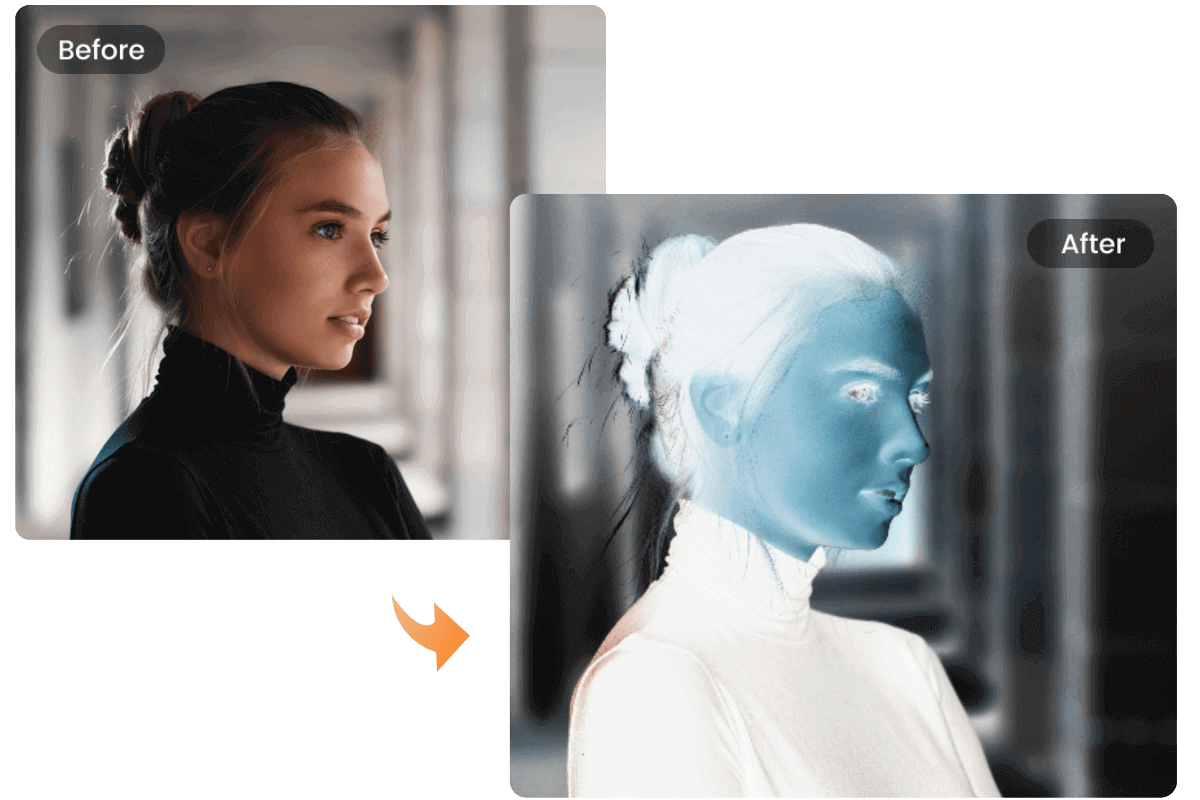
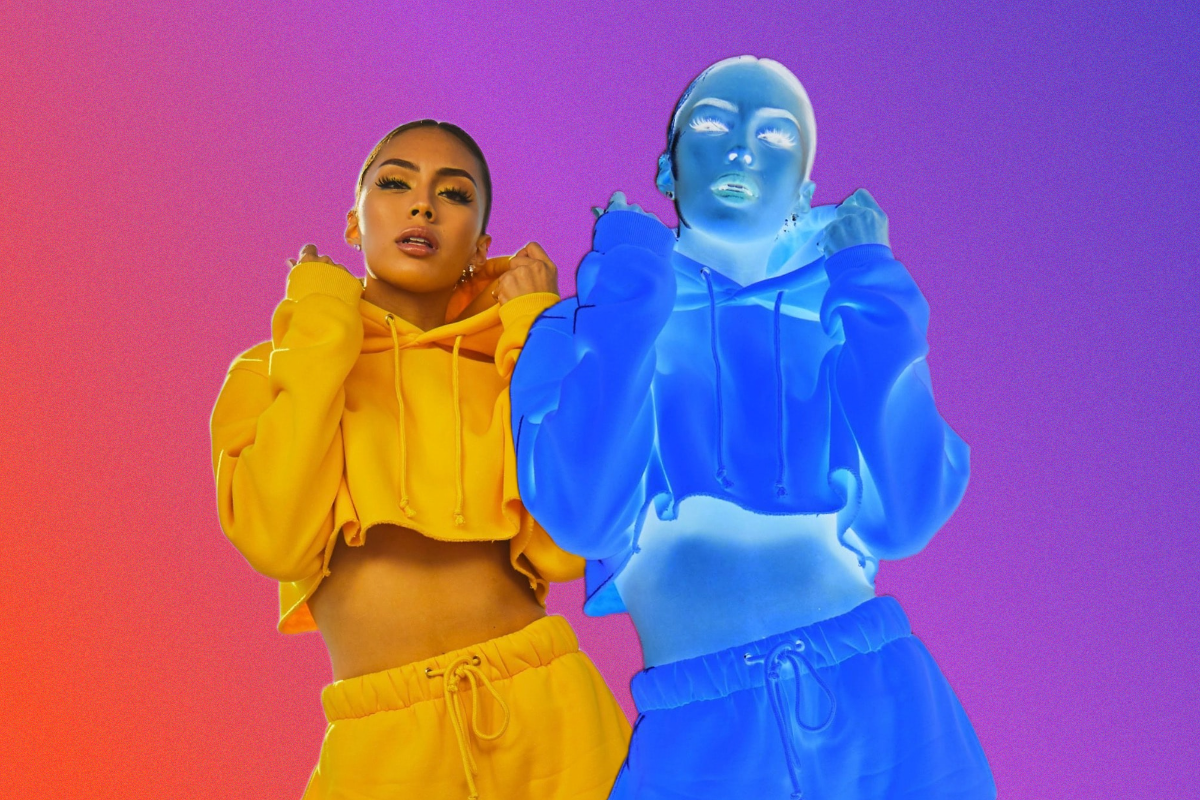
Before and after comparison of a girl portrait with inverted colors creating a negative image effect

What is an Image Color Inverter?

Fotor's color inverter is an image editing tool that uses the pixel-level color inversion algorithm to reverse photo's color values. Each color is replaced with its opposite on the color spectrum, creating a negative image effect.

For example, white becomes black and red becomes cyan. Color inversion is typically used to create unique visual effects, enhance contrast, or add an artistic touch.

How to Invert Image Colors with Fotor?

  • Click "Upload Image" to open the color inverter, and upload the image you wish to invert.
  • Navigate to the "Adjust" option in the left-hand toolbar and select "Invert Colors" to reverse the color values.
  • After reversing the colors, download your inverted images in JPG or PNG format.
Invert girl image into nagative effect

Create Negative Image from Photos

Color inversion can create bold and eye-catching visuals, but it works best with images that have strong contrast or vibrant colors. Designers often use inverted images to produce retro, cyberpunk, or surreal visual styles. With Fotor's negative image converter, you can quickly transform an ordinary photo into a striking negative-style image for creative projects.

When Should I Use a Color Inverter?

  • Creating Unique Visual Effects

Add an artistic touch to your images by experimenting with inverted colors. This technique is widely used in digital art and creative photography to produce surreal or abstract visuals.

  • Enhancing Image Contrast

In some cases, reversing colors can reveal patterns or details that may not be immediately visible in the original image.

  • Art and Design Projects

Graphic designers and digital artists often use color inversion to explore unexpected color combinations and create visually striking compositions.

  • Converting Film Negatives

If you have scanned black-and-white film negatives, color inversion can help convert them into recognizable positive images.

  • Improving Accessibility

For some users with visual sensitivities, inverted colors can improve readability and make text or visual details easier to distinguish.


Highlights of Fotor's Color Inverter

  • no watermark icon

    Multiple Formats Support

    Upload common image formats such as JPG, PNG, WEBP, and HEIF, and download the inverted results in PNG or JPG.

  • Export visuals in HD resolution for print or web

    High-Res Images

    Your inverted images are processed without reducing the original resolution, helping preserve image clarity and detail.

  • no sign-up or login icon

    Work on Any Device

    Use Fotor's color inverter directly in your browser on desktop, tablet, or mobile devices—no software installation required.

Color Inverter FAQs

What does invert color mean?

How do I invert a picture color on my phone?

What is the opposite of red?

What is the inverted color of yellow?

How do I turn my photo into a negative?

What is RGB and when RGB matters for color inversion?

Create Negative Images in One Click