AI Thumbnail Maker Free Online
Create high-click, on-brand YouTube thumbnails from simple text or images with AI. Fotor AI thumbnail maker helps you generate visually consistent, eye-catching designs for single videos or entire series, fast, editable, and click-worthy.

Templates for Versatile Channel Content
Looking for eye-catching YouTube thumbnail templates for your channel? No design skills needed. Our AI thumbnail generator lets you instantly create thumbnails online for any content—gaming highlights, concert reaction videos, beauty tutorials, product reviews, travel vlogs, and more. Just pick a template below to generate a professional YouTube thumbnail in one click.
👇Pick a Template, Create Yours👇
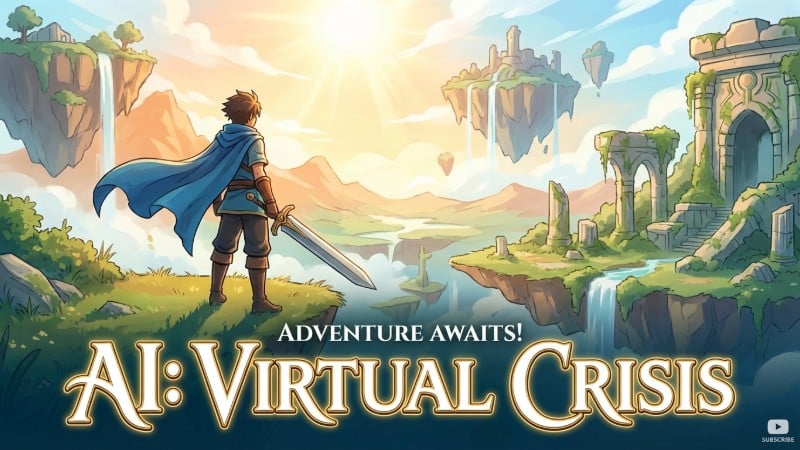
Gaming
Type what happened, and let AI turn it into a bold, scroll-stopping gaming thumbnail in seconds.

Vlogs
Describe your vibe, and get a thumbnail with natural, emotion-driven visuals that make your personal stories stand out.
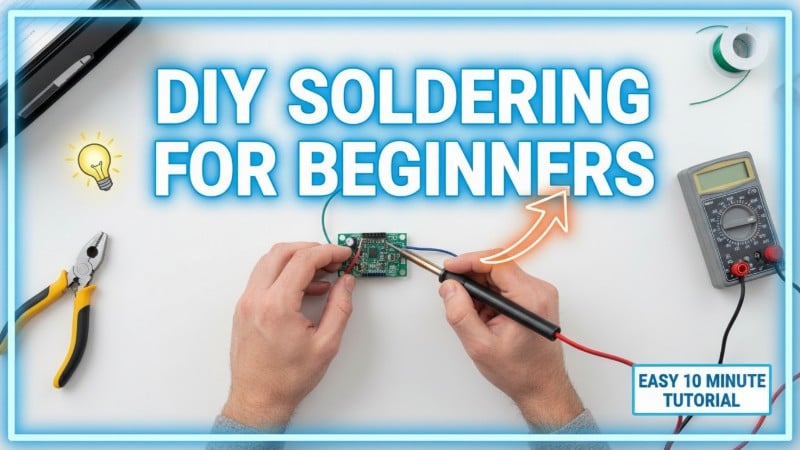
Tutorials
Turn a simple text idea into a clean, clear tutorial thumbnail that people instantly understand.
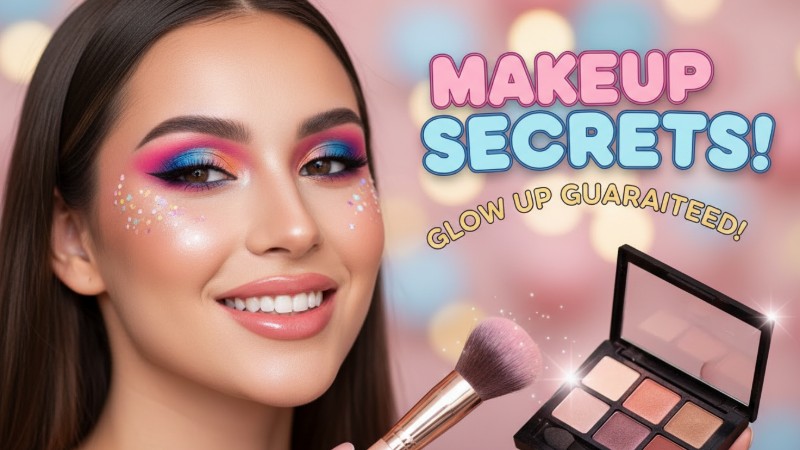
Beauty
Use AI text prompts to create polished beauty thumbnails that stay on-brand across every video.
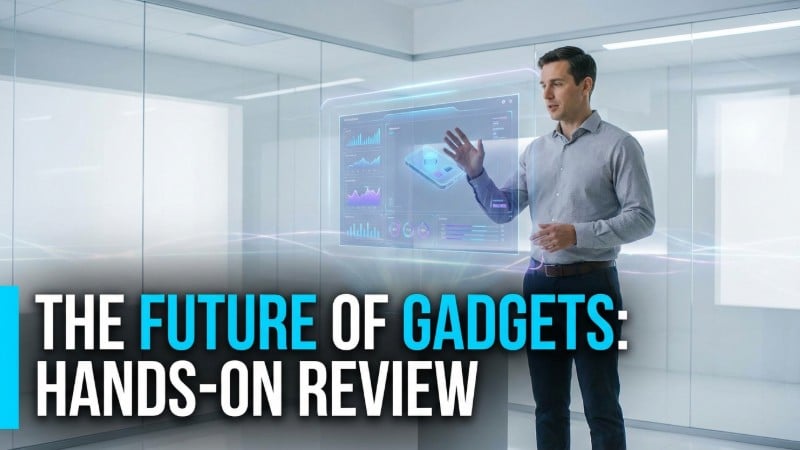
Tech
Turn tech topics into clean, eye-catching thumbnails with AI—perfect for reviews, comparisons, and explainers.

Travel
Describe the destination or feeling, and AI creates a travel thumbnail that sells the experience.

Food
Use AI to turn your recipe or dish into a mouth-watering thumbnail—no photoshoot needed.
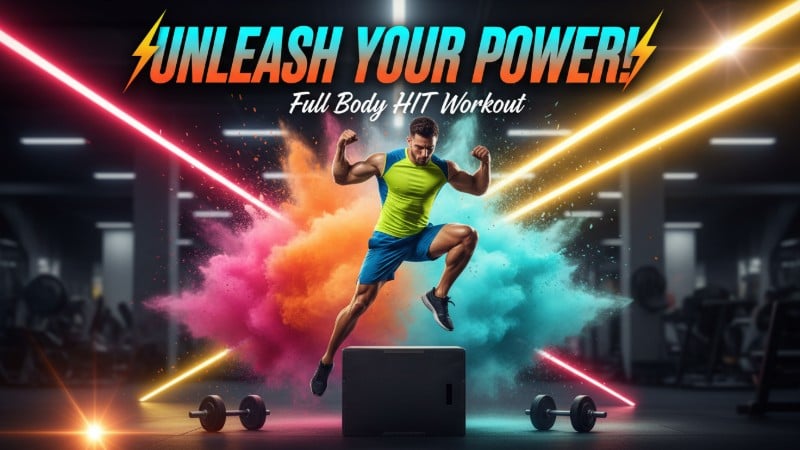
Fitness
Turn workout goals or transformations into strong, motivating thumbnails with a simple text prompt.
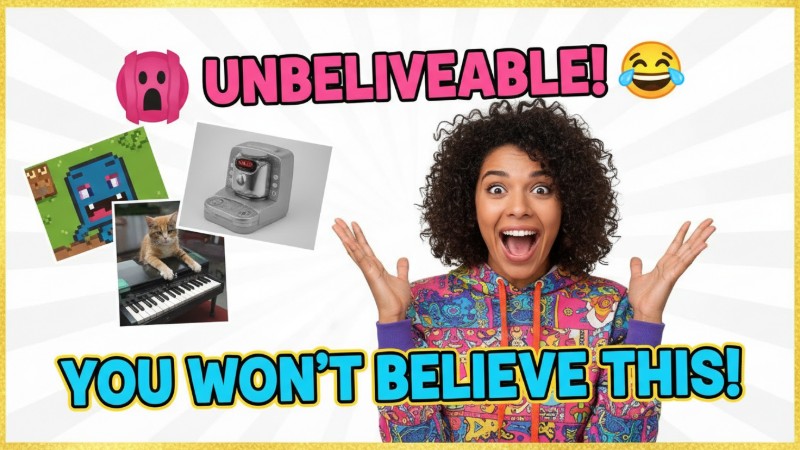
Reaction
Let AI turn your verdict into a clear, bold reaction thumbnail that says it all at a glance.
Templates for Diverse Thumbnail Styles
These are popular thumbnail styles used by YouTube and TikTok creators. You can also tell the AI exactly what style you want and create a unique, consistent look for your channel. Whether you’re into cartoon looks, realistic visuals, futuristic tech, bright colors, or cinematic vibes, Fotor’s AI thumbnail maker has you covered.
👇 Pick a Template, Create Yours 👇
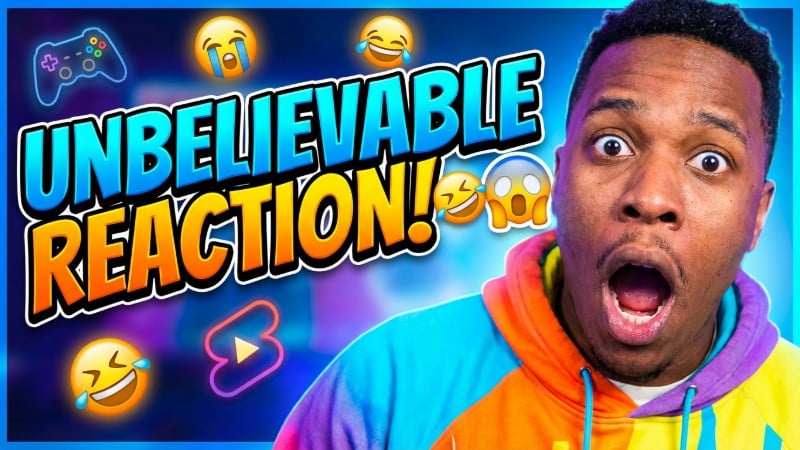
Bold Text & Outline Style
Make your title pop with oversized, high-contrast text and clean outlines. Perfect for gaming, reactions, tutorials, and any video that needs instant attention
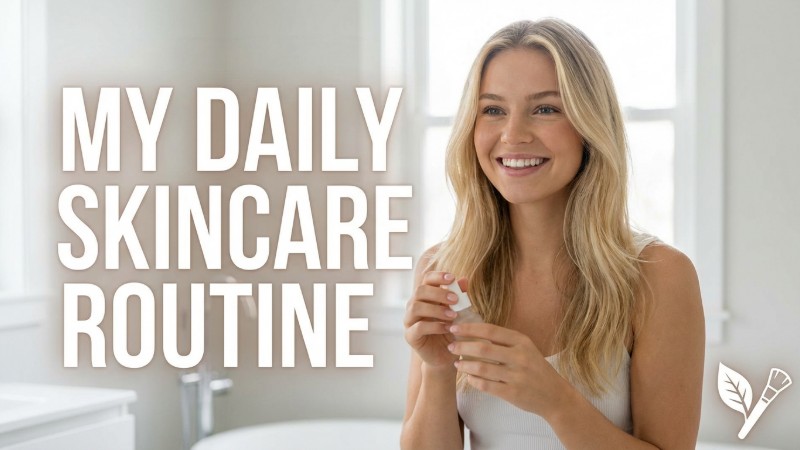
Realistic Photo Blend
Combine sharp portraits with clean design elements for a polished, professional look. Ideal for beauty, vlogs, product reviews, and lifestyle creators.
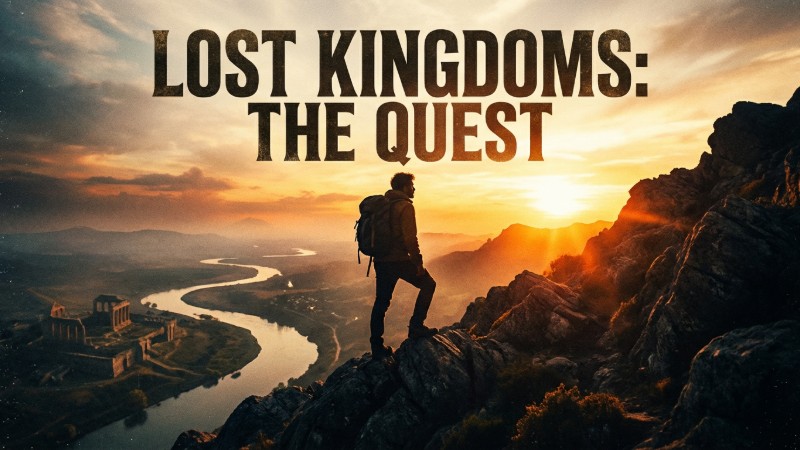
Cinematic / Movie Poster
Create epic lighting, dramatic shadows, and film-style compositions that turn your thumbnail into a movie poster. Great for travel, storytelling, gaming, and documentary content.
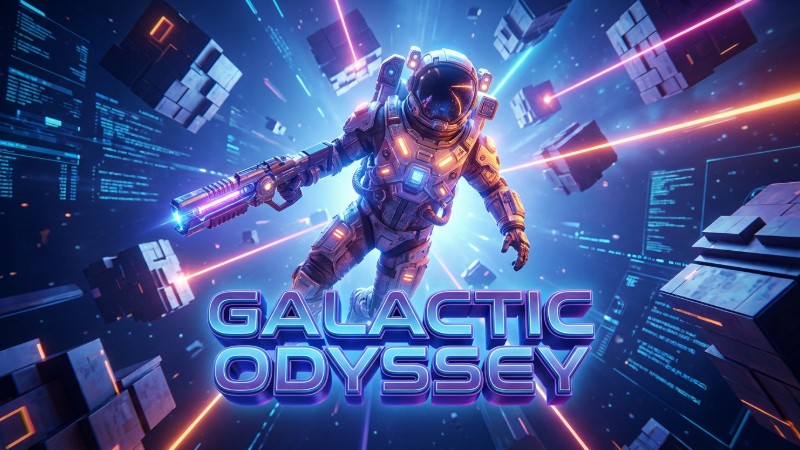
3D Render
Generate depth, dimension, and futuristic 3D elements that stand out in any feed. Boost clicks for your tech, gaming, and sci-fi themed videos.
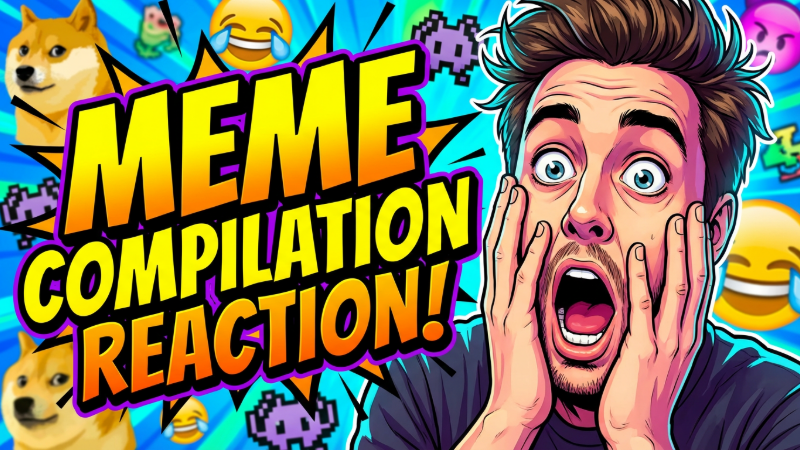
Cartoon / Comic
Create fun, playful designs with bold outlines and exaggerated expressions for gaming, reaction, meme, entertainment, and kids’ channels.
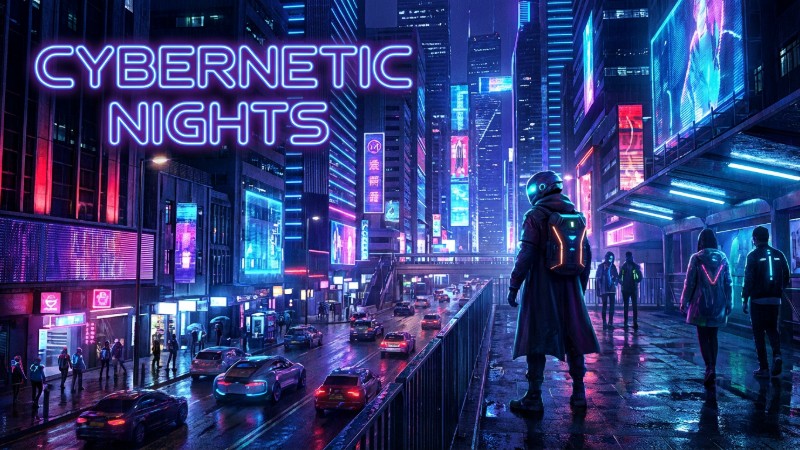
Neon / Cyberpunk
Add high-contrast neon lights, glowing elements, and futuristic vibes to thumbnails for tech channels, gaming creators, and nightlife vlogs.
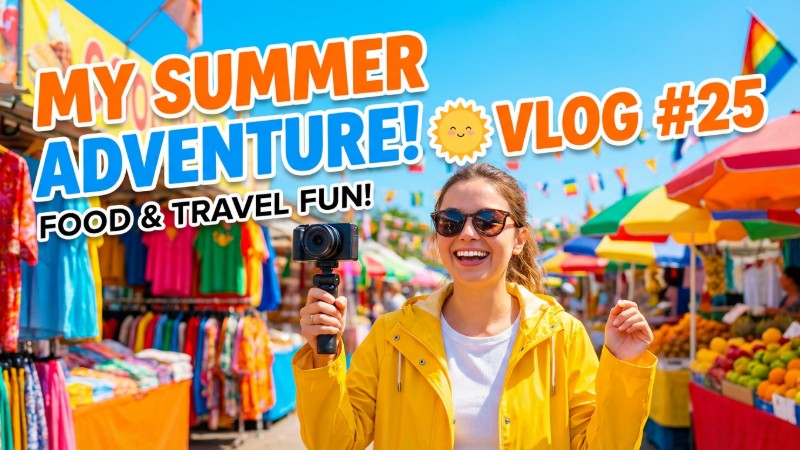
Bright & Colorful
Create vibrant, high-saturation visuals that instantly catch the eye for vlogs, lifestyle, food, travel, and entertainment content.
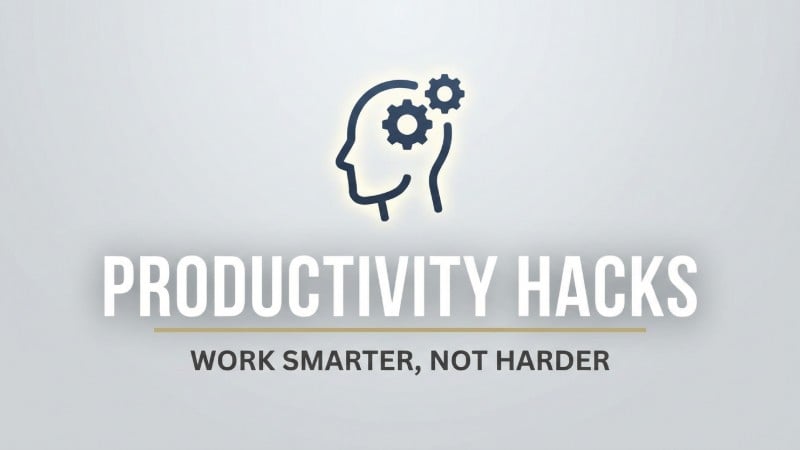
Minimalistic Clean
Craft simple layouts, clean fonts, and balanced spacing for a modern and professional look for education, business, productivity, and tech tutorials.
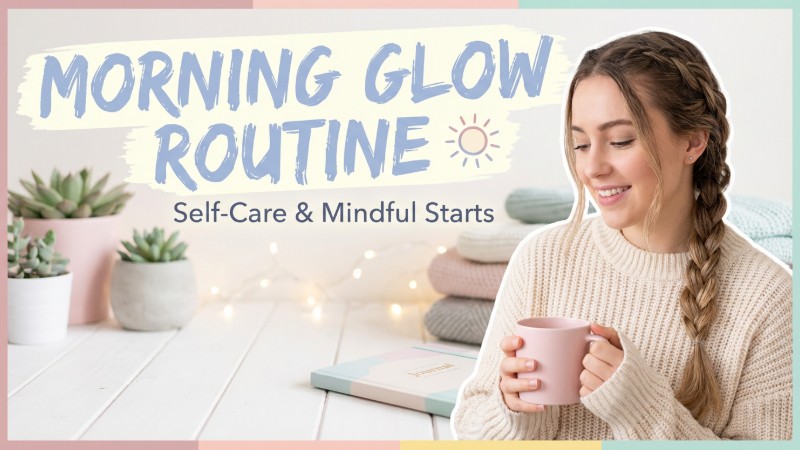
Pastel & Aesthetic
Add soft tones, stylish layouts, and aesthetic compositions to your thumbnails to enhance fashion, beauty, wellness, journaling, and lifestyle videos.
Generate High-CTR Thumbnails from Text
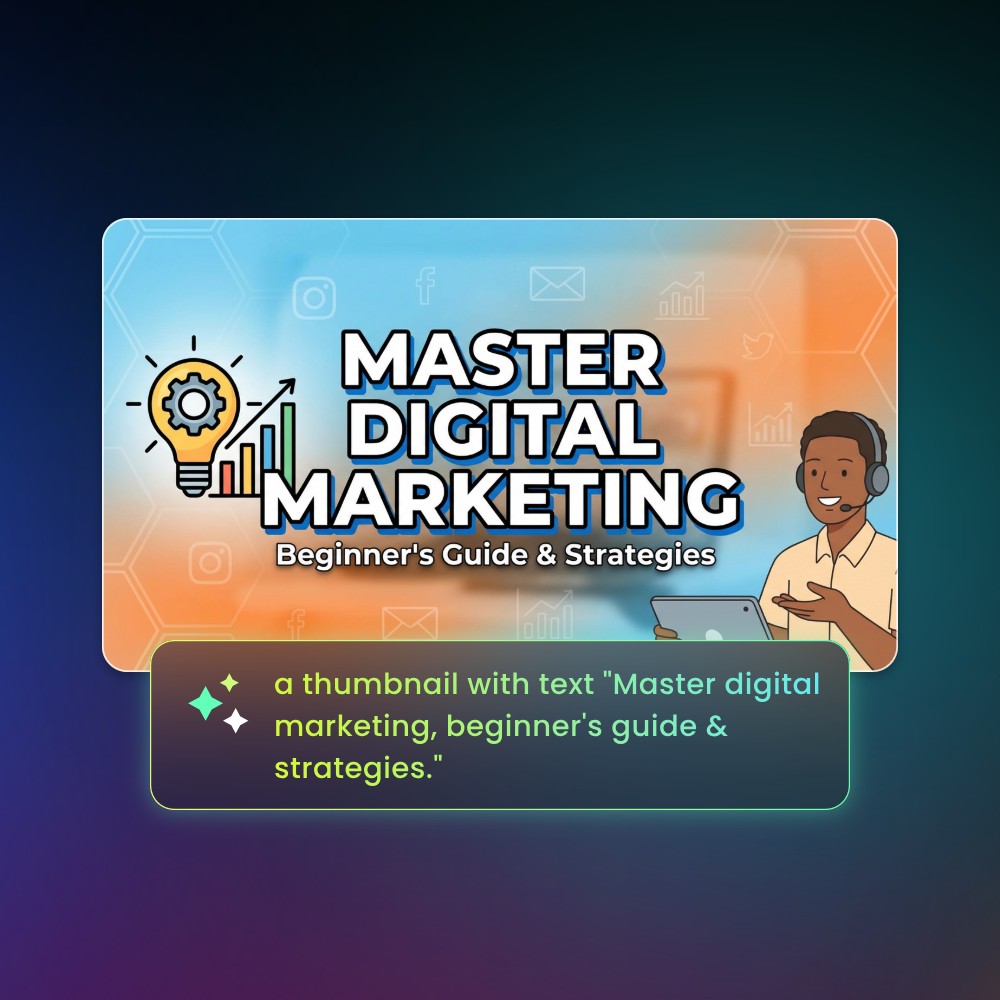
No design experience needed. Just tell our AI image generator your channel theme, style, and what you want to show in the thumbnail. In seconds, you’ll get an eye-catching, click-worthy thumbnail for YouTube and TikTok.
Describe the scene or main subject, text and font style, and the overall vibe—then let AI handle the rest so you can focus on creating.
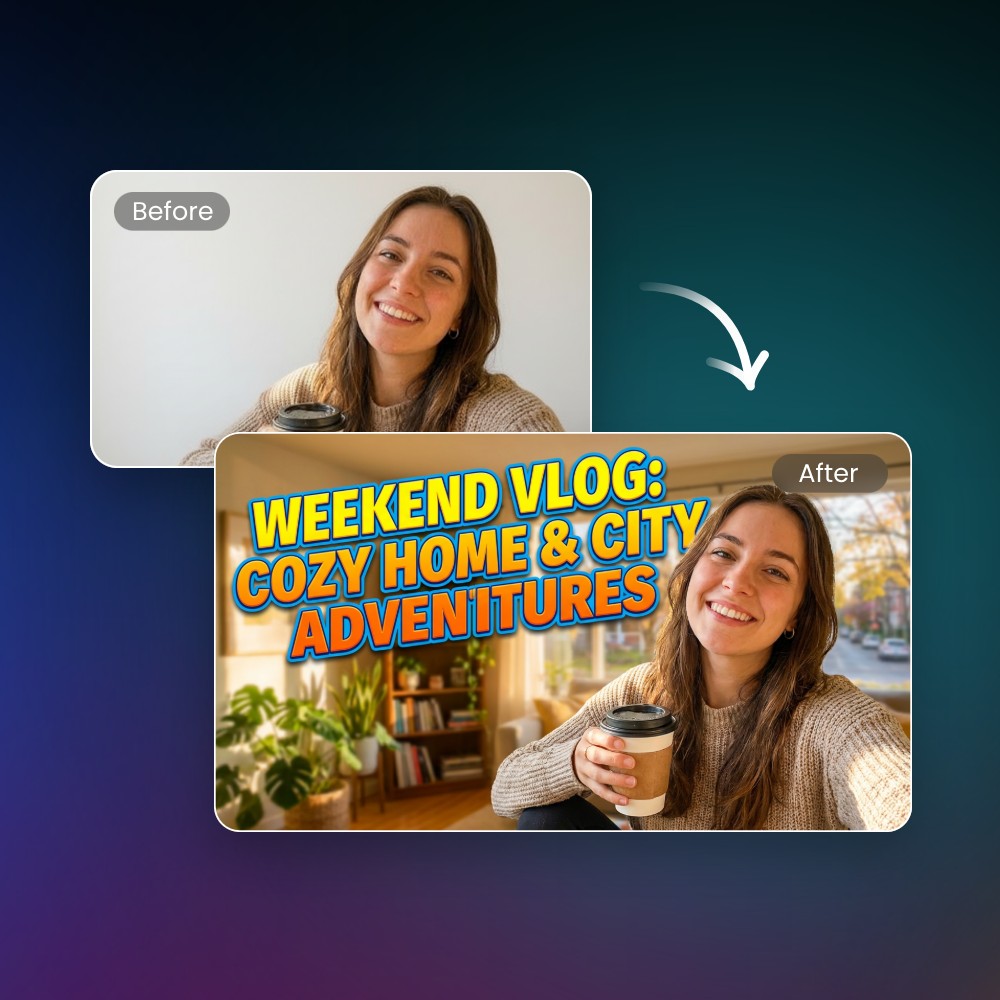
Convert Your Photo to Striking Thumbnails
Upload your photo and let AI turn it into a high-impact thumbnail. Fotor AI can automatically cut out the main subject and combine it into a new scene, improve image layout, add text, and match the right style and colors for your thumbnail—no manual design needed.
Want more attention? Tell AI to change facial expressions and create bold close-ups, making your thumbnails more expressive, emotional, and click-worthy.
How to Use Fotor AI Thumbnail Maker?
Customize Text, Expression, and Every Detail
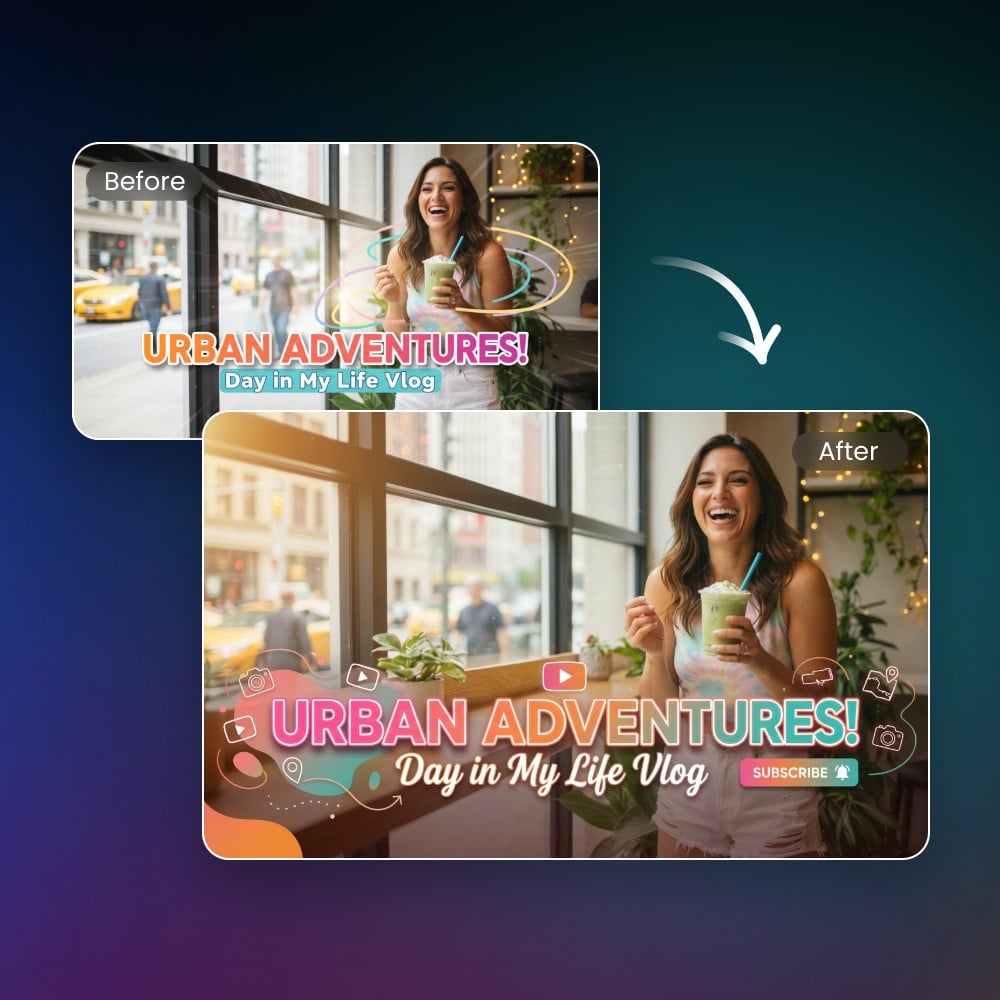
Fotor enables you to accurately modify every detail of the AI-generated thumbnails. You can adjust text in the image to be bigger and bolder, enhance facial expressions, enlarge the main subject, tweak contrast for more impact, or match your brand colors perfectly.
With Fotor, creating thumbnails full of emotion, contrast, and irresistible hooks has never been easier.
Keep Consistent YouTube Thumbnail Style Across Series Videos
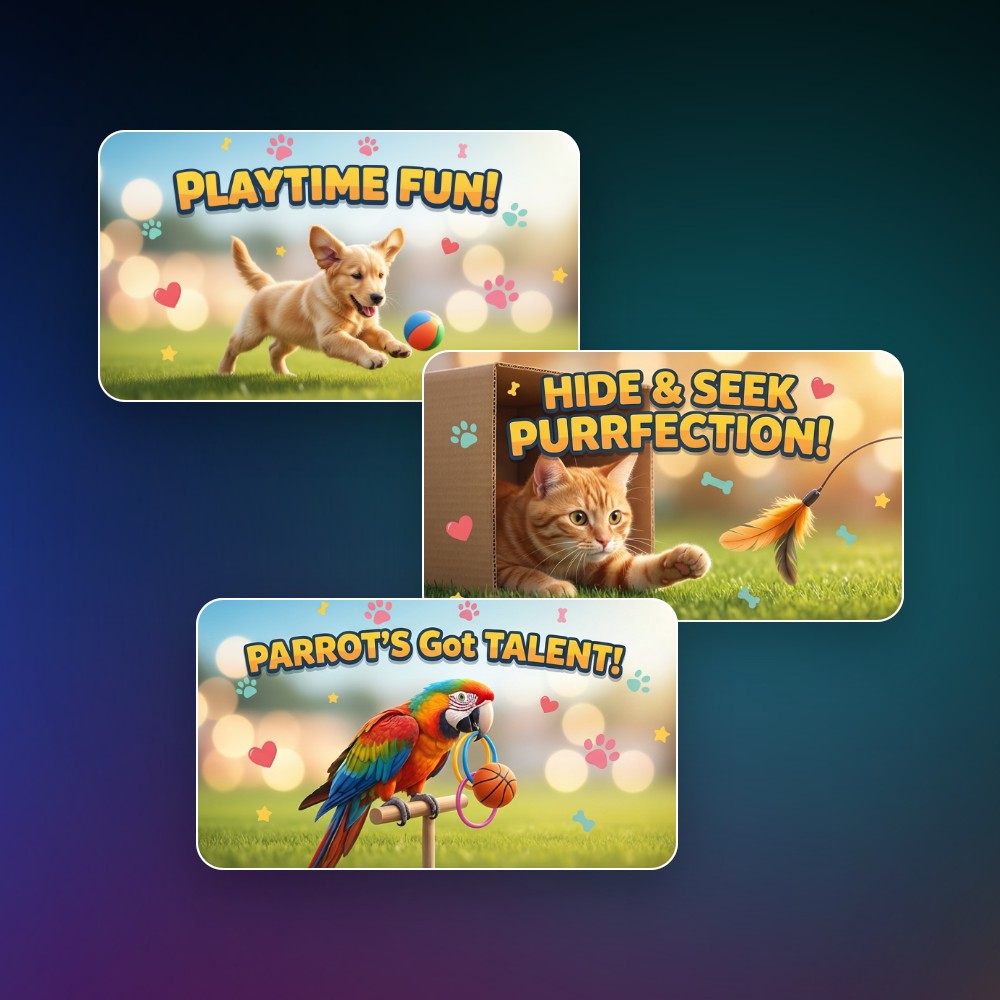
For series video creators, maintaining an on-brand visual consistency across your channel thumbnails is crucial.
Fotor’s thumbnail templates let you keep a consistent style across all your videos. You can also remix images or reuse prompts to continuously create a unified visual style, always matching your brand identity and making your video series instantly recognizable—helping viewers know it’s yours at a glance.
AI Thumbnail Maker for YouTube and Any Platform
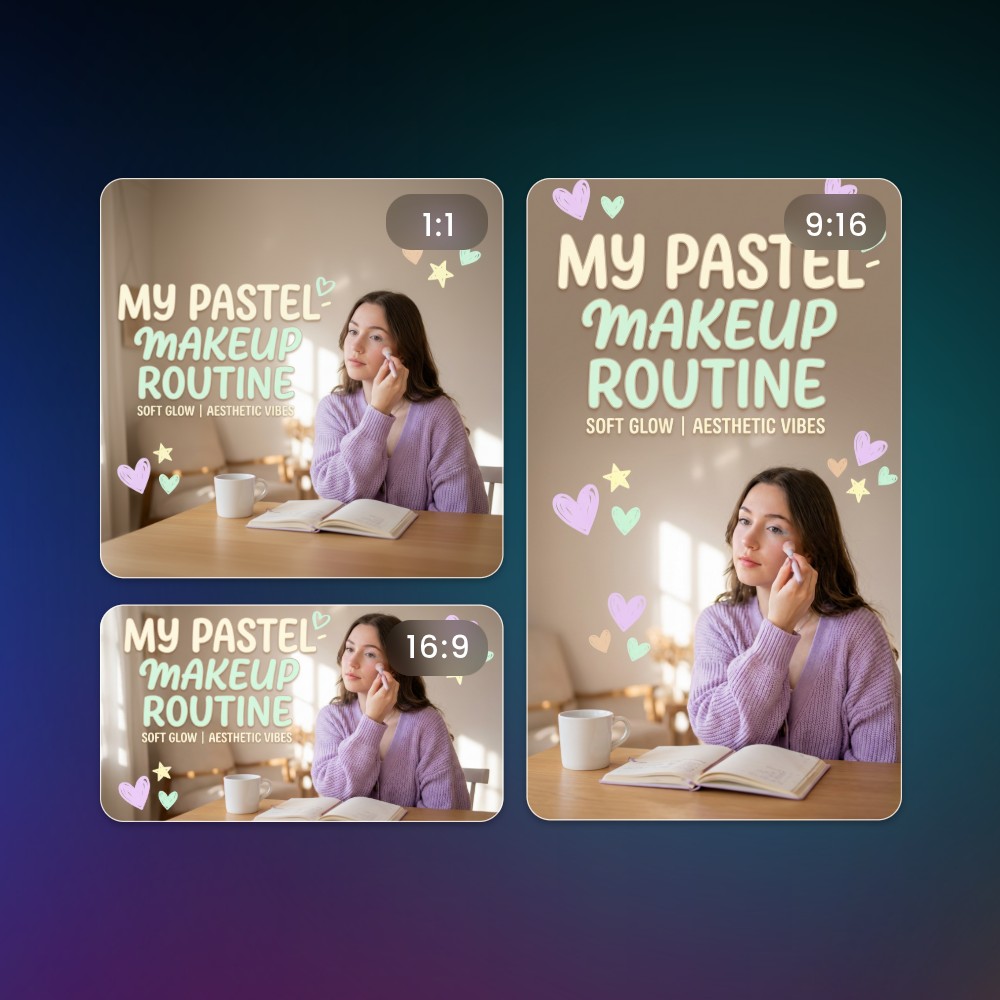
We offer a variety of image size options. Whether you want 16:9 thumbnails for YouTube, 9:16 covers for TikTok, or thumbnails for Instagram, Facebook, Twitch, LinkedIn, and more, Fotor makes it easy to create the perfect size for any platform. Your content will always look professional and optimized wherever it’s shared.
Why Choose Fotor AI Thumbnail Generator?
![Easy and fast generation icon]()
Easy to Use
No design experience? No problem. Fotor’s AI thumbnail maker's ready-to-use templates and intuitive interface let anyone create professional, attention-grabbing thumbnails in seconds.
![Gradient green AI icon]()
Fast and Automatic
Generate thumbnails instantly with Fotor's advanced AI image generation and editing model. Let it handle the layout, style, and effects automatically, saving you hours of manual work.
![Customization icon]()
Customize Style and Content
Easily tweak colors, fonts, text, and visual elements to match your brand or channel vibe, making each thumbnail uniquely yours.
![Batch generation icon]()
Batch Generation
Create multiple thumbnails at once—perfect for testing click-through rates, scaling your content, or producing different variations with unique emotions, text, or styles in one go.
![Diverse editable option icon]()
Editable Designs
Remix your thumbnails anytime with Fotor AI by changing text, expressions, layout, or visual elements, keeping full control over the final look.
![High quality thumbnail export icon]()
High-Quality Thumbnails
Every thumbnail comes out polished with accurate text, natural effects, and eye-catching special effects, ensuring your videos always stand out.